Medical Equipment Management Software: What Service Teams Need
November 18, 2026
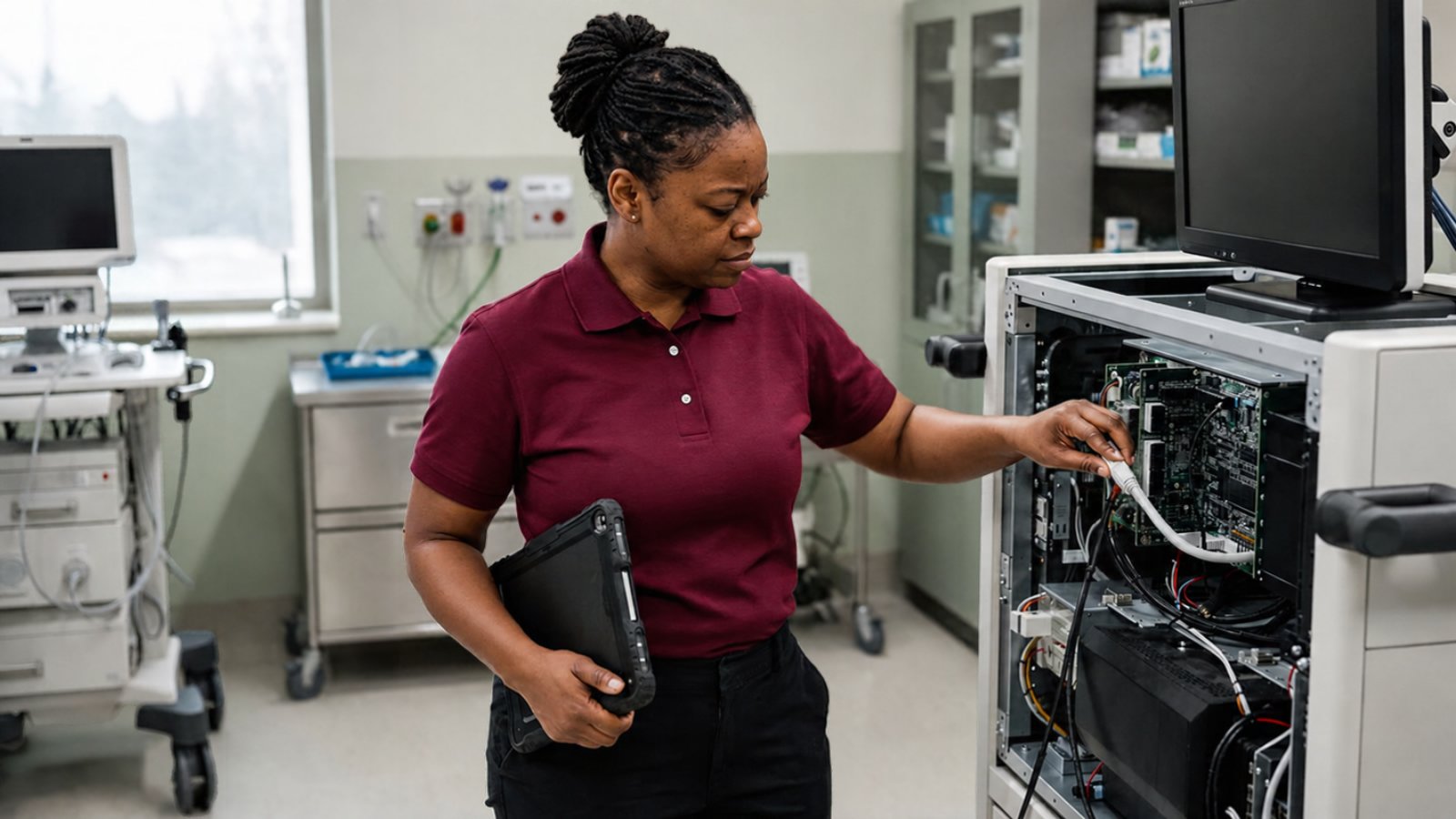
If you're shopping for medical equipment management software, you've probably noticed that every vendor demo looks the same: a dashboard, a device list, a calendar full of PM due dates. That's useful. But the software your team picks will shape how your technicians spend every working day, so it's worth asking a harder question than "does it track assets?" Ask: "does it help my techs get the repair right?"
This guide is for service managers at independent service companies, small OEM service teams and HTM departments. It covers what medical equipment management software has to do, what auditors will ask it to prove, and the gap most tools leave wide open.
What medical equipment management software actually is
The World Health Organization's guide to a computerized maintenance management system (CMMS) calls it "a tool that can improve overall medical equipment management." According to WHO, a CMMS "always includes the medical equipment inventory" and typically holds service history, preventive maintenance procedures, performance indicators and cost information.
Vendors use different labels: CMMS, asset management, equipment management, field service management. Under the names, most of these tools do the same four jobs:
- Know what you have. An inventory of every device, with model, serial number, location, owner and risk level.
- Know what's due. Preventive maintenance (PM) schedules, inspections and electrical safety checks.
- Know what happened. Work orders and service history for every device.
- Prove it. Reports that show an auditor or a customer what was done, when, by whom, and against which procedure.
If a product can't do all four cleanly, it's not ready for medical equipment. If it does all four, you're comparing on the details below.
The compliance job: your software is your evidence
For hospitals, equipment maintenance is a Conditions of Participation issue. CMS memo S&C 14-07, posted in December 2013, lets hospitals adjust maintenance activities and frequencies away from manufacturer recommendations through an Alternate Equipment Management (AEM) program. But the same memo says hospitals must "maintain documentation supporting their Alternate Equipment Management (AEM) program" and "adhere strictly to the AEM activities and/or frequencies they establish."
AEM is common. In the AAMI and TechNation 2025 State of HTM survey, 57% of respondents said their department uses an AEM program.
There are hard limits, too. The CMS memo gives imaging and radiologic equipment as an example of equipment that must be maintained per the manufacturer's recommendations where law or the Conditions of Participation require it, and hospitals may not adjust maintenance for medical laser devices or for new equipment without enough maintenance history.
What that means for your software choice:
- Every device needs a maintenance strategy on record. Manufacturer schedule or AEM, and for AEM, the risk assessment behind it.
- The system must flag the exclusions. Imaging, lasers and new equipment shouldn't be able to slide onto an AEM schedule by accident.
- Completed work has to match the plan. If the plan says annual, the record has to show annual. Missed PMs need to be visible before a surveyor finds them.
If you're an independent service company, this is your customer's problem, which makes it your problem. The hospital's documentation is only as good as the records your techs close out.
A buyer's checklist for medical equipment management software
Use this list in demos. Ask the vendor to show you each item live, not on a slide.
1. Inventory that handles a mixed fleet
- Imports from spreadsheets without days of cleanup.
- Tracks model, serial, location, customer or department, risk class and maintenance strategy per device.
- Handles devices moving between sites, loaners and devices coming back from repair.
2. PM scheduling that follows the strategy
- Supports both manufacturer intervals and AEM intervals, with the reason stored.
- Blocks AEM for excluded categories, or at least warns loudly.
- Shows overdue and upcoming work by technician, site and customer.
3. Work orders techs will actually close out
- Works on a phone or tablet, including in basements and equipment rooms with no signal.
- Requires the fields that matter: fault found, parts replaced, test results, procedure followed. A closeout that just says "fixed" should not be possible. (Our field service report template lists what a good closeout captures.)
- Attaches photos and test-equipment output to the record.
4. Service history you can search
- Every repair on a device in one place, with the fix that worked.
- Searchable by model and fault, so a tech facing an error code can see what fixed it last time on another unit.
5. Reports an auditor accepts
- PM completion rate by period, device class and site.
- Full history for a single device in one export.
- Proof of which procedure was used for imaging and other manufacturer-only equipment.
6. Metrics you can run your team on
- Mean time to repair, first-time fix rate and downtime per device, calculated from the work order data, not typed in by hand. If you're working on these numbers, see our guides to reducing MTTR and improving first-time fix rate.
The gap: management software doesn't fix the machine
Here's what the demos rarely show. Medical equipment management software is very good at telling a technician what to work on and when. It records that the work was done. It is usually silent on how to do the repair.
That part still lives in service manuals: long PDFs, one or more per model, sometimes several revisions deep. The U.S. Bureau of Labor Statistics notes that medical equipment repairers "may consult technical manuals as needed," and that much of the equipment they maintain uses specialized test-equipment software. In practice, "as needed" is every unfamiliar fault on every unfamiliar model.
This gap is getting more expensive. BLS projects employment of medical equipment repairers to grow 13% from 2025 to 2035, with about 8,200 openings a year. Meanwhile, the AAMI and TechNation survey found roughly one-third of the profession expected to retire within five years, and 21% of respondents have more than 30 years in the field. The people who know which page of which manual matters are leaving. The new hires inherit the PDFs.
So when you evaluate software, ask one more question: when a tech opens a corrective work order on a device they've never seen, what does the system give them besides a due date?
Good answers look like this:
- The relevant section of the manufacturer's manual for that model and fault, not a search box over a folder of PDFs.
- Steps that cite the exact manual section, so the tech (and the auditor) can check where each instruction came from.
- An honest "the manual doesn't cover this" when it doesn't, with a clear path to escalate, instead of a confident guess.
That last point matters most for imaging and other equipment that has to be maintained to the manufacturer's procedures. A tool that invents a plausible-sounding step is worse than no tool at all.
How to run the evaluation
- Start from your records, not the vendor's. Export a month of real work orders and ask each vendor to load them. Messy data is the real test.
- Have a technician run the demo. Managers judge dashboards; techs judge whether closeout takes two minutes or ten.
- Pick three real faults. Walk each one from work order to closeout and watch where the tech has to leave the software to find the procedure.
- Pull an audit report. Ask for one device's full history and the PM completion rate for imaging equipment. Time it.
- Check the exit. Make sure you can export everything (inventory, history, attachments) in a standard format if you leave.
If you're still building the program itself, our medical equipment maintenance guide covers inventory, risk-based PM and documentation before you get to tooling.
Where Fixr8 fits
Fixr8 isn't a CMMS, and it doesn't try to replace your medical equipment management software. It covers the part those tools leave out: it turns your service manuals into step-by-step guidance technicians follow on the job, every answer cites the exact manual section, and when the manual doesn't cover a fault, it says so and escalates instead of guessing.
If your team already has inventory and scheduling under control but repairs still stall while techs dig through PDFs, that's the gap we work on. Check whether your team is a fit, or book a 30-minute demo and bring one of your hardest faults.
Sources
- WHO: Computerized maintenance management system (Medical device technical series)
- CMS S&C 14-07-Hospital: Hospital Equipment Maintenance Requirements
- TechNation: The State of HTM: Insights, Impact & What's Next (AAMI and TechNation 2025 State of HTM survey)
- U.S. Bureau of Labor Statistics: Medical Equipment Repairers, Occupational Outlook Handbook
Stop paying for the same repair twice.
FixR8 Field Notes: one short email a week with practical playbooks, one sourced stat, and one blunt takeaway for equipment service teams. No fluff. Unsubscribe anytime.
Opens Substack to confirm. Read past issues